Progressive Loading
Meeting metadata can appear while slower transcript and AI work continues in the background.
AI SaaS / Meeting Intelligence
ElevateAI was built for people who want the usefulness of a meeting assistant without manually organizing every note afterward. The product lets a user create a domain-specific AI agent, meet with it in a live video session, and leave with transcripts, summaries, recordings, and a chat surface that keeps the meeting useful after the call ends.
Type
AI SaaS / Meeting Intelligence
Timeline
Built as an end-to-end product sprint, from prototype to deployed SaaS experience.
Focus
Product engineering
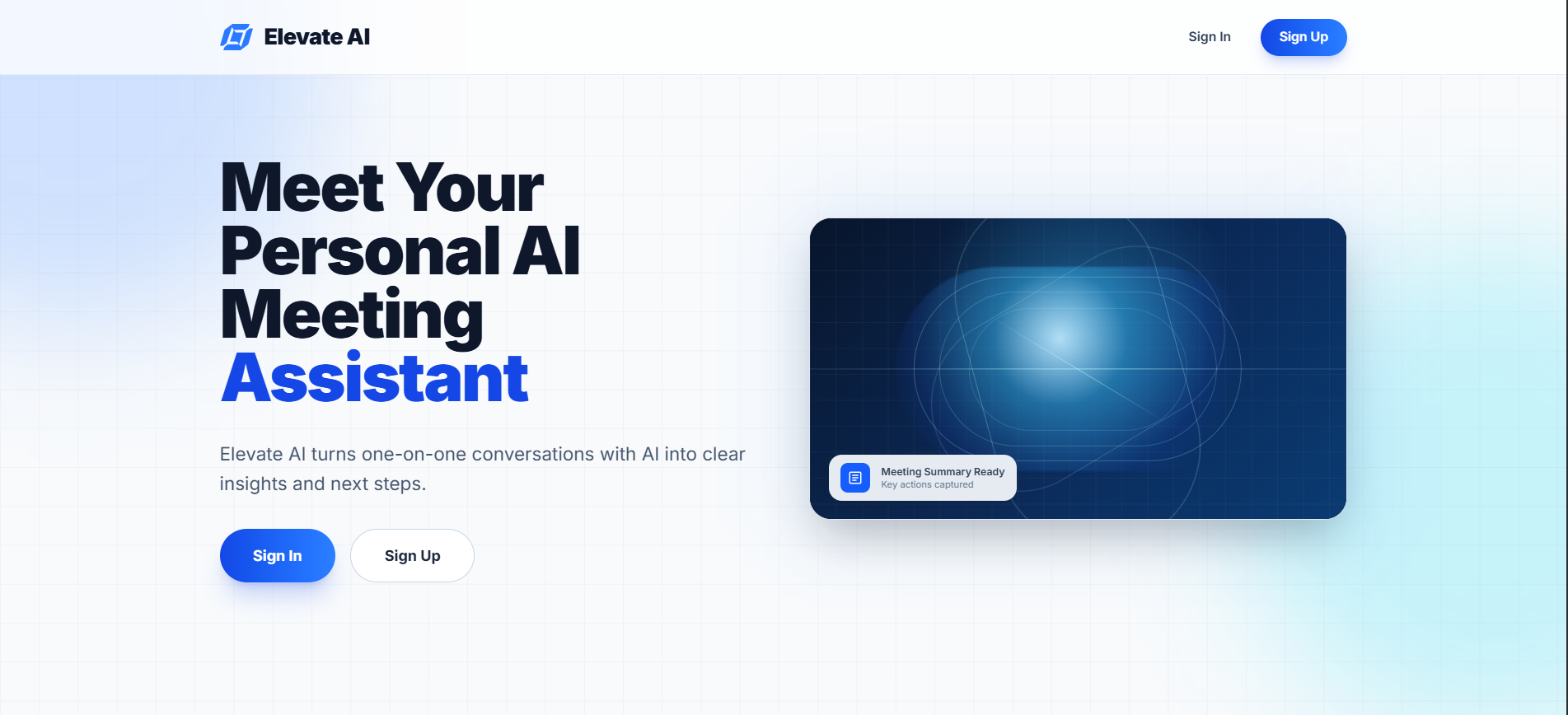
The motivation was to explore what an AI-native meeting workflow should feel like when the assistant is part of the product from the beginning. Instead of treating transcription, summarization, and follow-up chat as separate tools, ElevateAI connects them into one loop: prepare an agent, run a meeting, capture the conversation, then ask questions against that meeting context.
The product is aimed at builders, students, creators, and small teams that need structured conversations but do not want heavyweight meeting software. The experience stays direct: choose an agent, start a session, and receive useful artifacts with minimal ceremony.
A user creates or selects an AI agent with a clear meeting role.
The meeting session starts and produces transcript and recording artifacts.
Transcript content is processed into a structured summary after the meeting.
The chat interface receives the meeting context and answers follow-up questions from that source material.
Meeting metadata can appear while slower transcript and AI work continues in the background.
Next.js keeps setup, meeting, and review screens separated so users do not load every interface at once.
Static and remote images are configured to avoid broken production renders.
AI workflows are not instant, so explicit states reduce uncertainty during processing.
The project began with the question: what should happen after a meeting ends if the AI assistant actually understands the meeting?
The first prototype focused on starting a session, capturing useful text, and producing a meaningful summary.
The UI was then refactored around the journey: agent setup, live session, generated artifacts, and follow-up chat.
Final polish centered on deployment behavior, image reliability, and making the post-meeting experience feel continuous.
A meeting happens live, while transcript processing and summaries happen after the fact. Each stage needed to be explicit in the product flow.
Summaries need structure without sounding generic. Focused context and role-specific agents guide generation.
Meeting tools can become crowded quickly, so controls and generated content are separated by stage.
Shared agents and meeting history would support recurring team workflows.
Turning summaries into structured tasks would reduce the gap between conversation and execution.
Cross-meeting search would help users retrieve decisions without remembering the exact session.
ElevateAI is a strong example of building around a complete user loop instead of a single AI feature. It turns conversation into durable knowledge and makes the next interaction with that knowledge feel natural.